Recovery of Deleted Emails in Microsoft 365
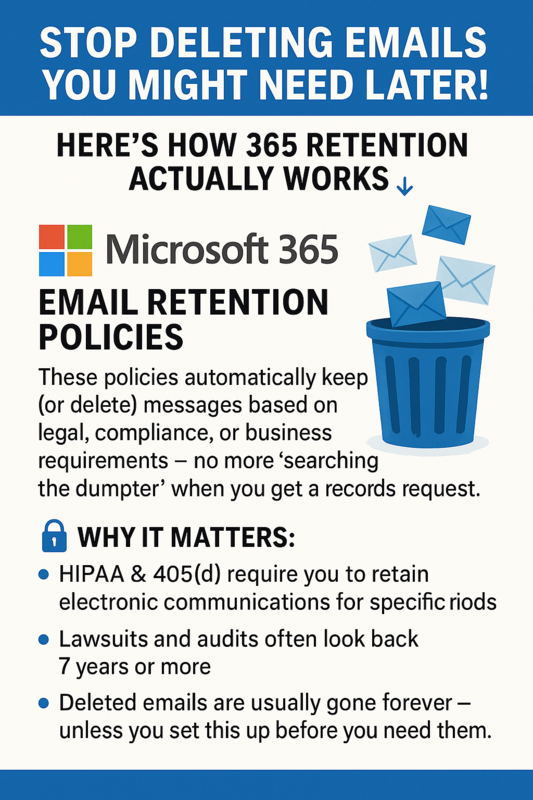
💾 Stop Deleting Emails You Might Need Later! Here’s How 365 Retention Actually Works 👇
If you’re using Microsoft 365 for email, there’s a powerful tool built right in that most organizations never turn on: Email Retention Policies.
These policies automatically keep (or delete) messages based on legal, compliance, or business requirements — no more “searching the dumpster” when you get a records request.
🔐 Why it matters:
HIPAA & 405(d) require you to retain electronic communications for specific periods.
Lawsuits and audits often look back 7 years or more.
Deleted emails are usually gone forever — unless you set this up before you need them.
🛠️ How to Set Up an Email Retention Policy in Microsoft 365
Step 1: Make sure you have the right license.
You’ll need Microsoft 365 Business Premium, Office 365 E3, or Microsoft 365 E3/E5.
👉 These include Exchange Online Archiving and the Compliance Center.
Step 2: Go to the Compliance Portal
Log into compliance.microsoft.com
On the left, click “Data Lifecycle Management” → “Exchange (mailboxes)”
Select “Retention Policies” → “Create a Policy”
Step 3: Create a new policy
Give it a clear name (e.g., “7-Year Email Retention”)
Choose whether to retain, delete, or retain then delete messages
Set your duration (e.g., 7 years)
Apply to all mailboxes or a specific group (e.g., leadership or clinical staff)
Step 4: Save and publish.
That’s it! From now on, your email will follow the retention policy automatically — even if a user deletes something manually.
✅ Pro Tip: You can create multiple policies (like “1 year for general mail” and “7 years for legal records”) and apply them to different teams.
💡 Most small clinics and cities never configure this — until a legal hold or audit hits. We set these up for all our managed clients as part of their baseline security and compliance stack.
📩 Want us to check your retention policy for free? Drop us a message and we’ll run a quick compliance review.